You already serve managed properties.
You need a consistent way to configure each building, let residents participate, and hand accepted work to the existing operation.
Set the schedule, share the QR,
and receive every pickup grouped by property.
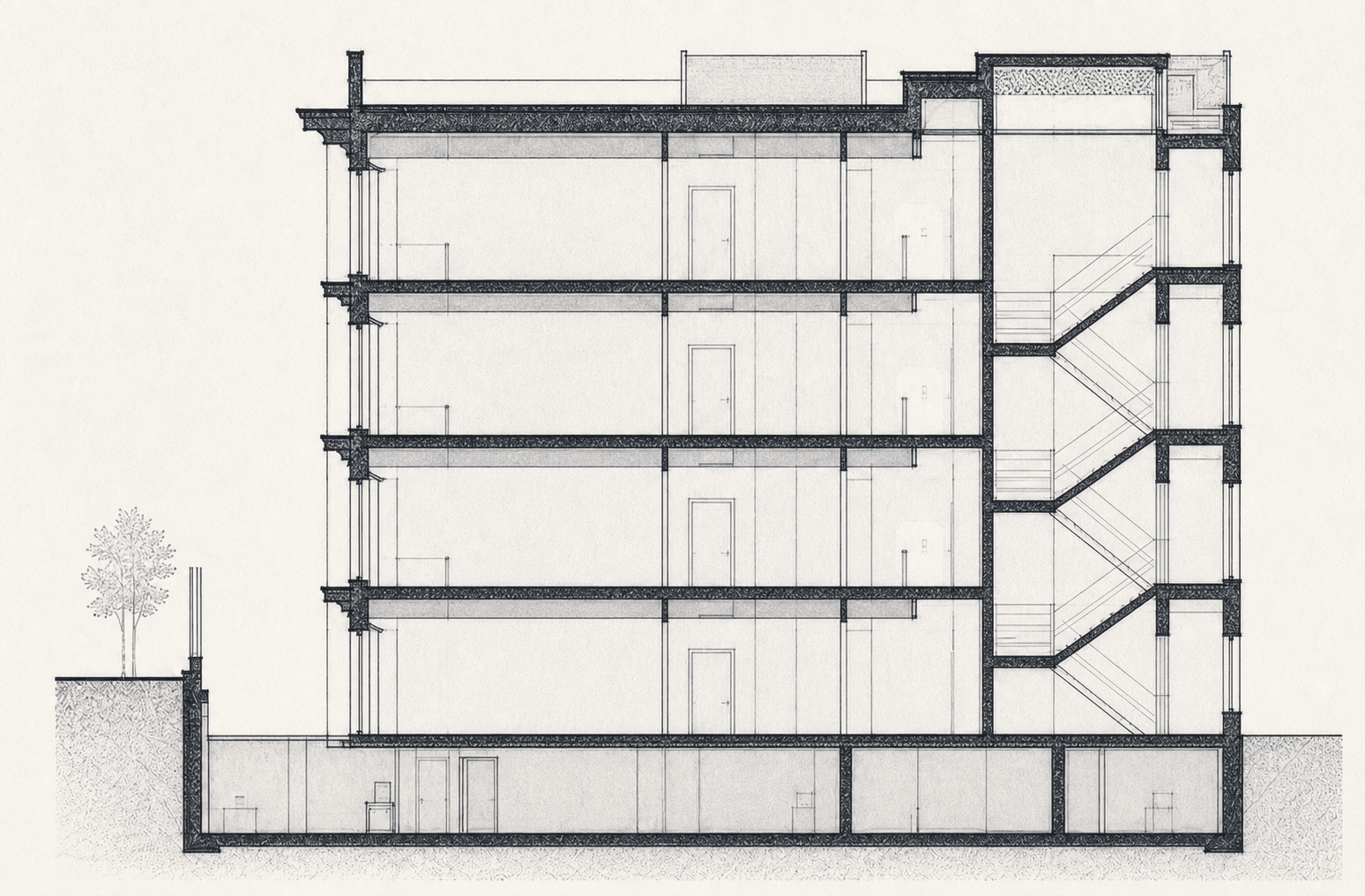
Grouped by propertyOne building, one program.
On your scheduleYou set the day and cutoff.
Easy for residentsNo app download or password account.
Ready for handoffManifest and CSV for your existing operation.
Enter building details, address, and contact information.
Place the program link or QR in the building.
They choose a valid pickup before the cutoff.
Review activity grouped by property.
One property, one operating picture
ValetLoop turns a building's service rules and resident requests into a pickup list your team can actually use.
Built for a specific job
You need a consistent way to configure each building, let residents participate, and hand accepted work to the existing operation.
It does not price garments, manage production, collect resident garment-care payments, or optimize road routes.
Recommended launch default
The current recommended launch default is $199 per month for up to 25 active property programs, with a 14-day trial. Final live pricing remains subject to founder approval and Stripe activation.
$199/ month
Recommended launch default; final live pricing is subject to founder approval and Stripe activation.
Before you start
No. Residents open the property-specific page and use a secure link for ongoing management.
No. ValetLoop prepares property-grouped work and provides a manifest or CSV for your existing operation.
Yes. The resident demo shows the property context, service rules, and request flow before you create an account.
Your next property
Set the service day and cutoff, publish the property page, and hand your team a cleaner pickup list.